Aiden’s Journey – Part 2

Operating System

At first, I was going to install Windows 11, because that is what I am most comfortable in.

But then I’ve read about better performance in Linux and as a software architect, I thought it would be good to refresh my Linux knowledge and so I decided to make it a dual boot system with Win 11 and Linux.

So, … what Linux to use? First everything pointed to an Ubuntu LTS distribution. I downloaded it, prepared a bootable USB stick and the journey could begin.
Or so I thought…

BIOS where art thou?

When booting the new machine connected to my new LG monitor, I realized that the first thing I saw was the Windows login screen, nothing before that.

I tried different ports, the onboard graphics card vs. the NVidia one. I tried updating the firmware of the NVidia card and connecting it via different cables.

But the BIOS or anything else never showed up on screen. My other gaming PC with an NVidia RTX 4090 had no problems at all.

So… I ended up connecting it to my TV in the kitchen, which made working on it a pain. The misbehaving wireless mouse was also adding to the experience.

Ubuntu

But at least I could start installing the system now. At first, everything looked fine and it installed alright. After doing some stuff in the – in my opinion – not so great Gnome desktop manager, I needed a reboot.

That’s where things went downhill.

The system stopped booting because of trouble with the NVidia drivers.

As Linux was unknown ground for me, I followed lots of tutorials from the internet and killed the old drivers, blacklisted Nouveau drivers and did lots of stoneage stuff (typing in a shell).

After an hour or so, the system started with lots of graphical artifacts and a wrong aspect ratio. But at least I had a desktop again and could try to install a better driver. Unfortunately, I still had to do lots of stuff in the shell.

After a lot of steps (that I would never be able to reproduce), the machine started with a working display again and I was back on the desktop to do stuff. Another small change later, a reboot was necessary and I was back at the broken state.

Goodbye Ubuntu!

Garuda Linux

After a websearch for the best distributions with NVidia support, this one popped up with some others. I chose Garuda in the end and installed it from a fresh USB stick.

I finished the installation and rebootet from SSD. I tried logging in with the password that I had chosen, but… computer said no.

It seemed that I had somehow managed to mistype my passwort two times during setup and so I just restarted from step 1. XD

But after this hiccup, the installation was fine and the desktop experience was so much better. It took some time to get it to look nice (e.g. to get rid of those weird rounded windows), but then I almost felt like home.
Most of the windows key shortcuts work the same, which speeds up my work a lot.

Now, the real fun could begin.

Aiden’s Journey – Part 1

Prologue: The Hardware

It all began with a friend sending me a link to a cheap AI NVidia card, the RTX 2000 Pro Blackwell. For “just” 800 bucks you could have 16 Gb of VRAM for a little AI machine.

The idea intrigued me, as I’ve always dreamt about a separate machine to provide the power for a coding assistent or image generation while I still had the GPU and VRam on my gaming pc free for other stuff.

I looked at it for a while and realized: This would be a downgrade!

My current gaming pc has a NVidia RTX 4090 with 24 Gb VRAM. It allowed me to load quite a selection of models and use them for generative AIs. The new card only had 16, so I would not be able to load as much.

I tried to build a PC and put two of those in, but the sites I visited only offered PCs capable of containing one of those beasts. So…

I thought: “You just had your [censored] birthday, gift yourself a cool machine!”

And that’s what I did. 🙂

At first I ended up on a site only selling to companies, then I found out that – for some weird reasons – the prices on some of them excluded taxes. That meant that they were almost 20% more expensive at the checkout than they were in the shelf. T_T

I thought about it some more and ended up with a YOLO feeling and… just bought it.

The configuration I ended up with:

CPUIntel® Core™ Ultra 7 20-Core-CPU265K (up to 5,5GHz) 30 MB Cache
MainboardASUS® PRIME Z890-P WIFI (LGA1851, DDR5, M.2 PCIe 5.0, Wi-Fi 7)
RAM32 GB PCS PRO DDR5 5600 MHz CL46 (1 x 32GB)
GPU48 GB PNY NVIDIA RTX Pro 5000 Blackwell, 14080 CUDA-CORES, 4x DP
1. M.2 SSD1 TB CRUCIAL T710 GEN 5 M.2 NVMe PCIe SSD (bis zu 14,900 MB/sR, 13,700 MB/sW)
2. M.2 SSD2 TB SAMSUNG 990 PRO M.2, PCIe 4.0 NVMe (bis zu 7450 MB/R, 6900 MB/W)
3. M.2 SSD2 TB CRUCIAL E100 GEN 4 M.2 NVMe PCIe SSD (bis zu 5000 MB/sR, 4500 MB/sW)

48 Gb of VRAM! That was double the amount I had before. That should mean something, right? Well, I guess we have to wait and see.

At first I thought that I won’t need much RAM as most of the stuff is happening in the VRAM, but right after I ordered it and they started assembling it, I looked at some posts and decided to get more…

The Memory Switcheroo

Memory does not seem to be easy to get a hold of nowadays. I started on Amazon as I usually do, but I specifically wanted to get the same RAM that was already in there, so I had two identical 32 Gb memory modules.

In the end I returned to eBay where I got most of my collection of over 1,000 DVDs and Blu-rays in the good old days.

I found an okay offer for 340€ and grabbed it. The seller seemed trustworthy and quickly sent the package out and even showed a photo of the item with the invoice.

In the meantime, I installed Win 11 and found out that (using the vanilla setup) you could not skip using an online MS account anymore. I don’t know what they need all those fake temp accounts for…
Of course, I switched back to a local account right after installation.

A few days later, I received it and opened it to find… a 16 Gb module.

First thought: Fraud

Second thought: Did I misread it?

I checked the original eBay offer and it said 32 Gb. The invoice said 32 Gb (the one in my hand and the one on the photo). Then I zoomed in and saw that you could see the 16 Gb module on the photo with the 32 Gb invoice.

That helped me calm down a bit as I had proof now and it was unlikely that a fraudulent dealer would provide something like this.

So, after contacting him, the issue was resolved and a week later I got the correct 32 Gb memory module and the next phase started.

Reunion

You were a nobody, an urchin living in back alleys, struggling each day to get enough money to eat. So, when this stranger offered you 20 bucks just for a few hours of work on the graveyard, you immediately said yes.

You did not understand what you were doing, placing weird stuff on the ground, drawing circles, lighting candles. But then he sat down next to you and explained.

“Tonight”, he said with a mad grin on his face, “I will return my wife to life. We will finally be reunited again.”

When you saw the movement behind him, you ran as fast as you could. You did not turn around when the screaming began… or ended.

Only on the next day, in broad daylight, you returned to pick up his money and pocket watch. You also picked up an old tattered book. You could not read, but recognized some of the symbols you had drawn onto the ground.

Maybe someone else was interested in this? For a few bucks you would even help them set it up…

Caution: Low temperatures! Drool with care!

Hundreds of children are getting stuck in the woods at this time of year. Be cautious!

Just another silly idea. 🙂

And a test for AI models as most of them had lots of problems with this. This was the first image that remotely captured the idea behind it, that the child got stuck in a frozen puddle of its own drool.

The fact that the prompt says “comical man” is completely ignored as this model has a strong female tendency as most models have.

Here is another model trying its best, creating a cute image nonetheless. ^-^

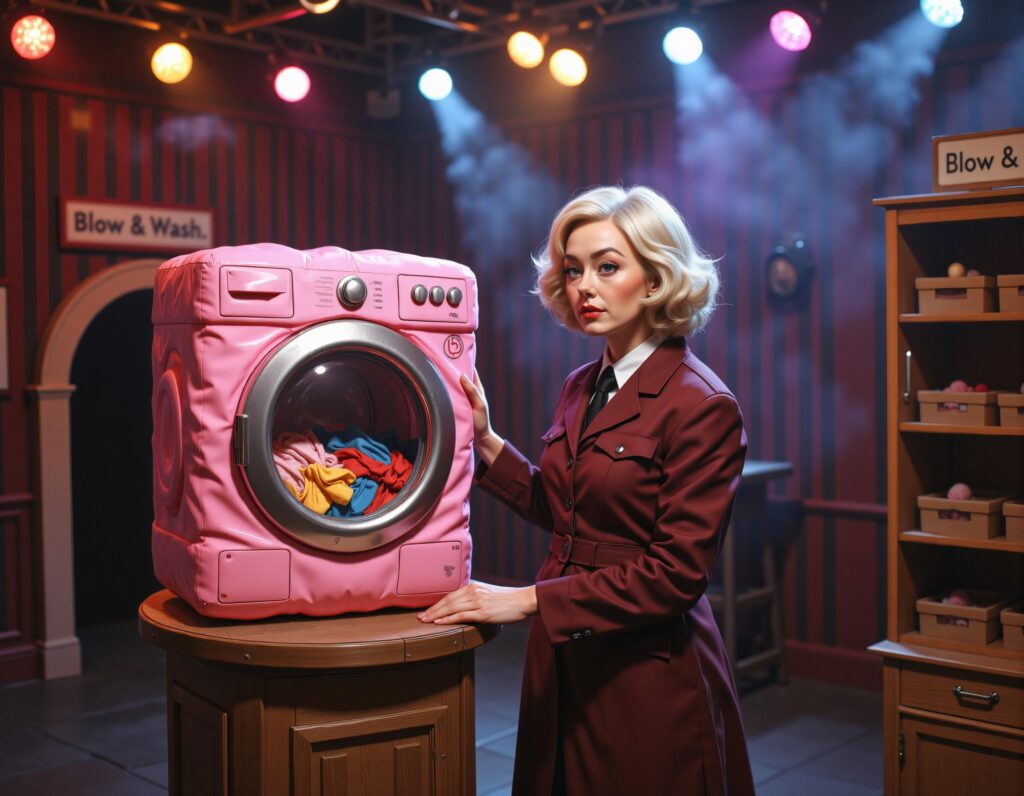
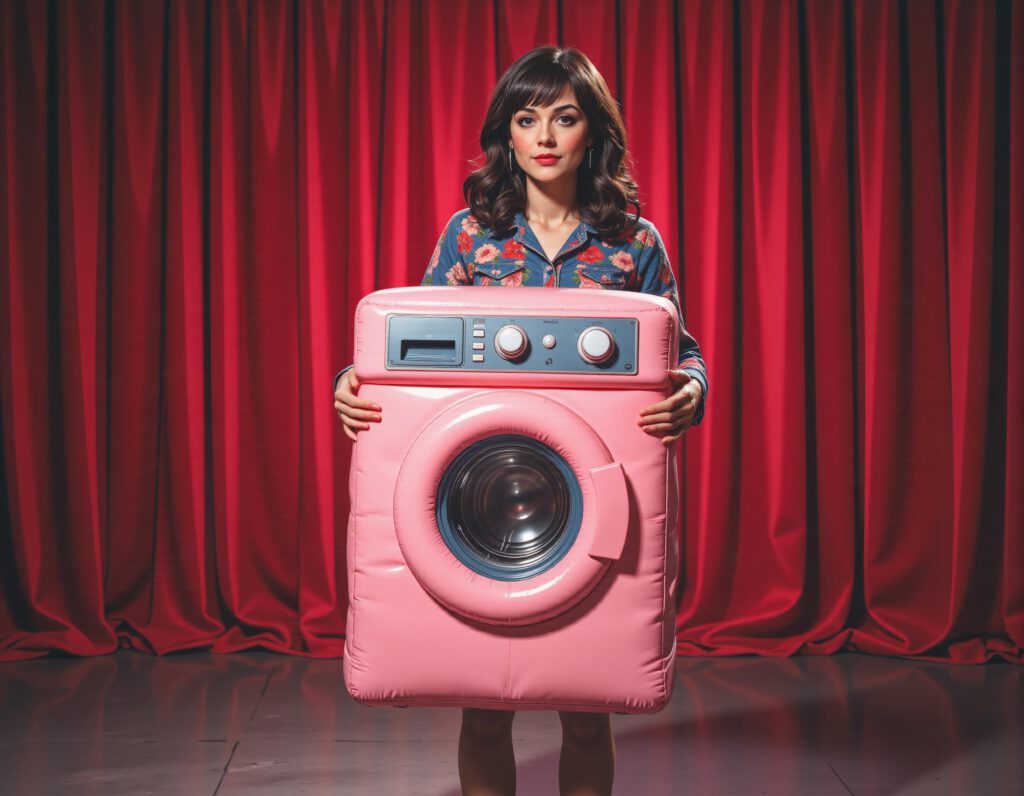
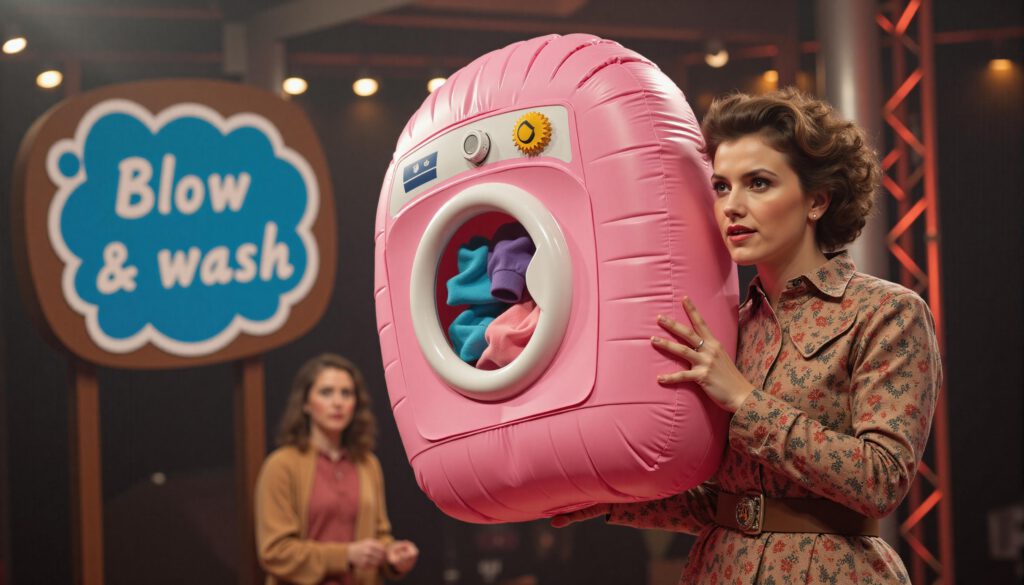
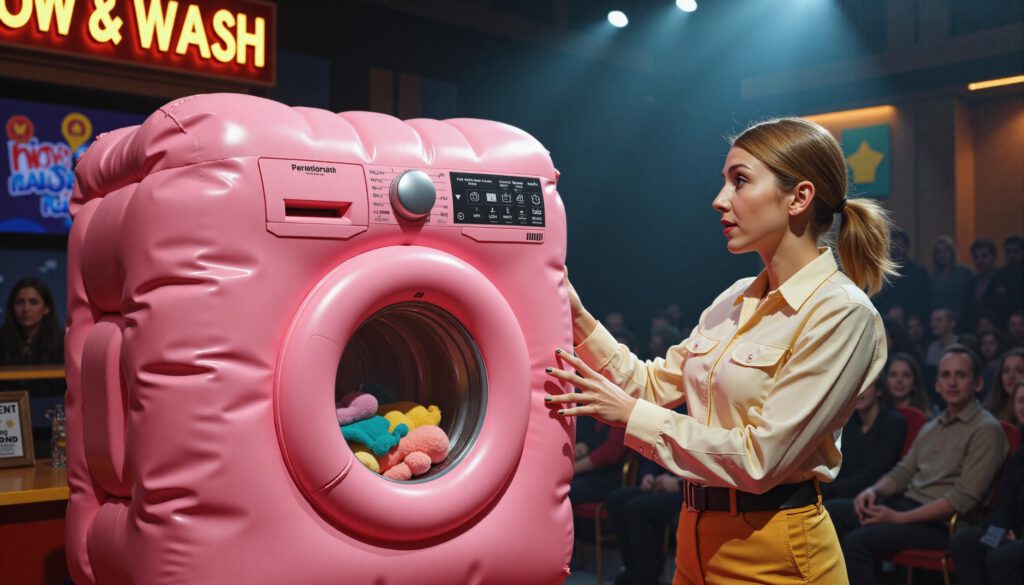
Blow & Wash

Somehow an inflatable pink washing machine came up in chat at work and someone requested an AI image of it, so… here it is! 🙂

It was a bit tricky to get it to make the washing mashine look “rubbery” and inflatable and he would not give me a mouth piece like on a balloon, but otherwise it was one of the easier stuff to create. I’ve used my current favorite “Artsy Dream”.

Some more alternatives: